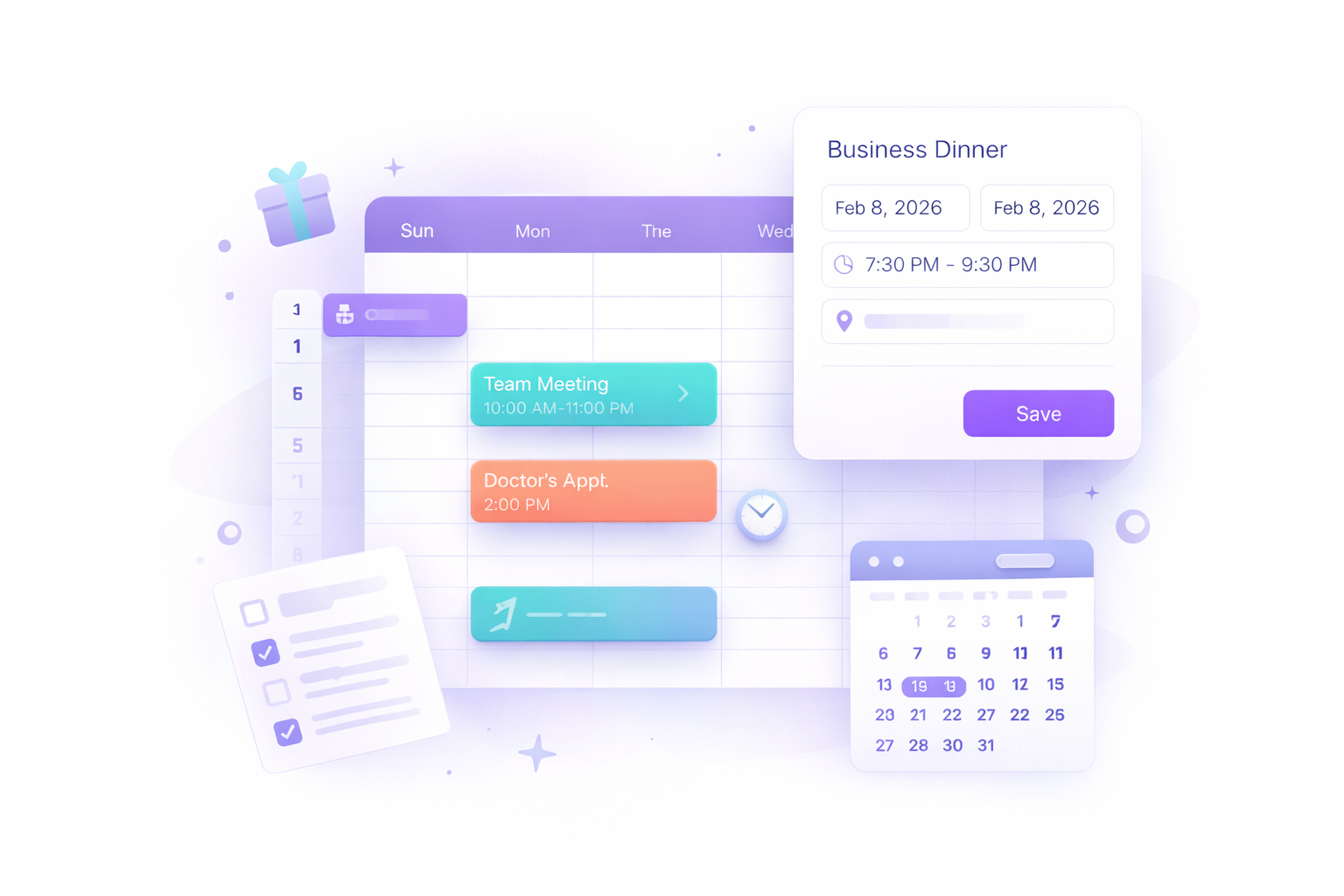
Introducing Events: your calendar, your way
A Calendar That Fits Your Life
We're excited to announce Events — a brand-new feature in Compendio that lets you track appointments, meetings, and important dates right alongside your tasks.
Until now, Compendio's calendar was task-focused: deadlines, recurring to-dos, and habit streaks. That's powerful, but life isn't only tasks. You have dinners to attend, flights to catch, and birthdays to remember. Events fill that gap.
What Can You Do With Events?
Create events in seconds
From the Calendar, tap the New Event button. Give it a title, pick a start and end date, and you're done. Need more detail? Add a start/end time, a location, a URL, or notes.
All-day or timed
Toggle All day for birthdays, holidays, or deadlines that span a full day. For meetings or appointments, set specific start and end times — they'll display neatly in the calendar views.
See them everywhere
Events appear in three places:
- Week view — timed events show as colored blocks alongside your tasks
- Month view — event pills appear on each day
- List view — events are grouped by date with an indigo accent to distinguish them from tasks
They also show up on your homepage dashboard in the Tasks card, filtered by Today, Tomorrow, or This Week — just like your tasks.
Quick preview
Click any event to see its details in a preview modal: time, date, location, link, and notes — all at a glance. From there you can edit or delete it instantly.
Multi-day events
Planning a trip or a conference? Events can span multiple days. Multi-day events get a special section at the top of the week and list views so they're always visible.
Drag and drop
In the week and month calendar views, you can drag events to reschedule them to a different day — the same way you already drag tasks.
Events + Tasks: Better Together
Events and tasks live side by side on the calendar, but they serve different purposes:
| Role | Tasks | Events |
|---|---|---|
| Purpose | Something to do | Something that happens |
| Completion | Can be checked off | No completion state |
| Recurrence | Daily, weekly, monthly | One-time (for now) |
| Priority | 4 levels | N/A |
| Time | Optional deadline + end time | Start/end date + time |
This distinction keeps your workflow clean. Tasks are actionable items you work through; events are time-anchored moments you show up for.
What's Next
This is just the beginning for events. We will not start working on 2-way syncs with your favourite calendar system so you can easily control what matters to you: getting things done in a calm, zen-like way.
We'd love to hear what matters most to you. Share your thoughts via the contact page or in-app feedback.
Events are available now for all users. Head to Calendar, create your first event, and let your calendar tell the full story of your day.